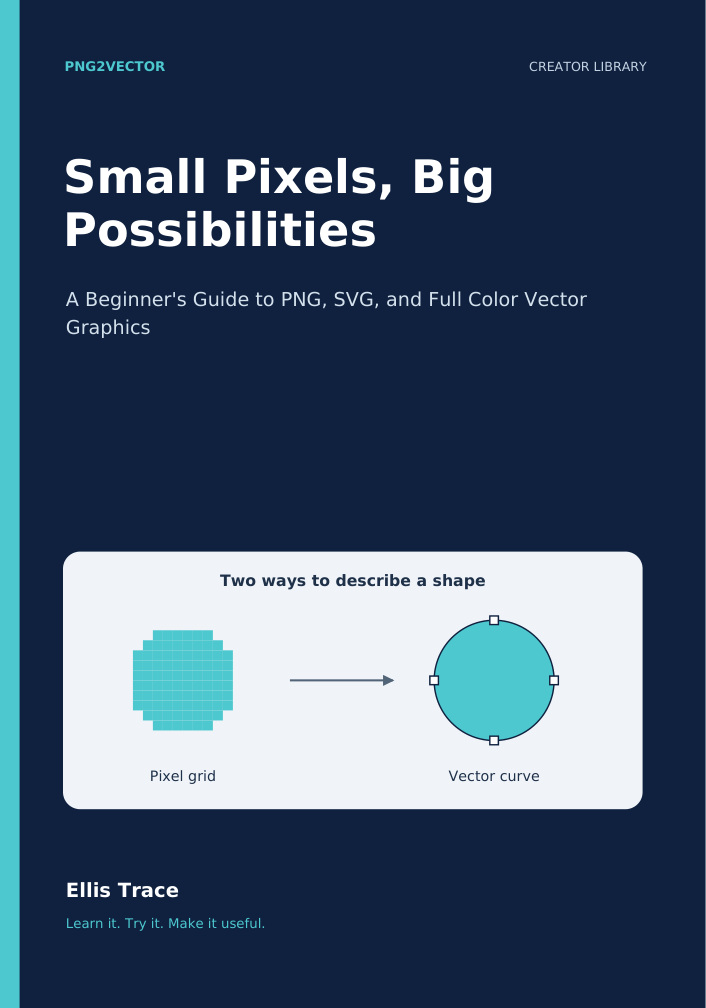
Small Pixels, Big Possibilities
A Beginner's Guide to PNG, SVG, and Full Color Vector Graphics
Choose the right image, understand vector files, and finish your first projects with confidence.
38 pages · Complete PDF + online edition · English
- Choose PNG or SVG for a real project
- Prepare an image and inspect a trace
- Build confidence through guided practice
$9 One-time purchase
PDF download + online reading. No membership required.
Read a free sample →Or get the original five books for $49 in the Creator Library.
Inside the book
- 1. Give Your Graphic a Job
- 2. Pixels, Paths, and the Files That Hold Them
- 3. Choose a Source That Gives You a Fair Chance
- 4. Make Your First Trace and Learn From It
- 5. Inspect Like a Designer, Even When You Are New
- 6. Meet the Vector Editor
- 7. Project: One Badge, Three Useful Versions
- 8. Save, Share, and Reopen With Confidence
- 9. Optional Project: Take Your Own PNG Further
- 10. Your Repeatable Creative Checklist
A skill you can put to use.
Clear explanations, worked examples, practical checks, and exercises help you move from understanding a concept to making a thoughtful decision on your own project.
Learn at your own pace.
Read on PNG2Vector or keep the PDF on your device. Return to the exercises as your work grows. Optional tool projects are clearly identified. The current companion notes below help you choose a useful next step on the website.
A useful next step for your project.
Compare two different jobs: rendering a vector as a PNG and changing the dimensions of an existing raster image. Keep the source and compare the results at the size you need.
Free SVG-to-PNG Converter. Make PNG copies from a checked SVG, individually or from a batch or folder. A free account and newsletter signup unlock watermark free downloads.
Image Resizer. Resize PNG and JPEG files individually or in batches and folders. Try 2x, 4x, custom dimensions, or the slider, then compare the original and output sizes. Larger dimensions do not recreate missing detail.