
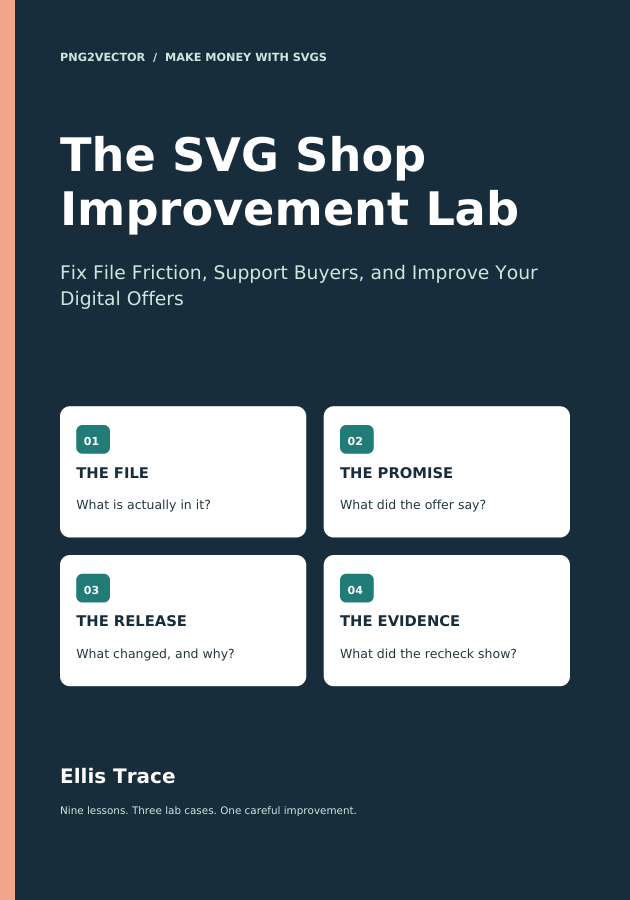
The SVG Shop Improvement Lab
Fix File Friction, Support Buyers, and Improve Your Digital Offers
Work through a controlled SVG support lab, diagnose file and instruction problems, and check a corrected release. Use practical records to review support costs and changes carefully.
80 pages · Complete PDF + online edition · English
- Reproduce a problem and separate file defects from unclear promises
- Repair, verify, and document a useful release
- Review support costs and measured changes with clear limits
$19 One-time purchase
PDF download + online reading. Companion practice files included. No membership required.
Read a free sample →This title is sold separately from the five-book Creator Library.
Inside the book
- 1. Choose One Improvement Question
- 2. Build a Record You Can Interpret
- 3. Turn a Support Message Into a Reproducible Case
- 4. Find Whether the Problem Is the File or the Promise
- 5. Fix the Smallest Complete Problem
- 6. Update Buyers Without Creating Version Confusion
- 7. Check the Economics of Rework
- 8. Review a Change Without Inventing a Win
- 9. Choose the Next Useful Version
A skill you can put to use.
Clear explanations, worked examples, practical checks, and exercises help you move from understanding a concept to making a thoughtful decision on your own project.
Learn at your own pace.
Read on PNG2Vector or keep the PDF on your device. Return to the exercises as your work grows. Optional tool projects are clearly identified. The current companion notes below help you choose a useful next step on the website.
A useful next step for your project.
Reproduce the reported issue before changing a file. Compare a checked SVG with its PNG export, or inspect a requested size separately from the original raster.
Free SVG-to-PNG Converter. Make PNG copies from a checked SVG, individually or from a batch or folder. A free account and newsletter signup unlock watermark free downloads.
Image Resizer. Resize PNG and JPEG files individually or in batches and folders. Try 2x, 4x, custom dimensions, or the slider, then compare the original and output sizes. Larger dimensions do not recreate missing detail.