
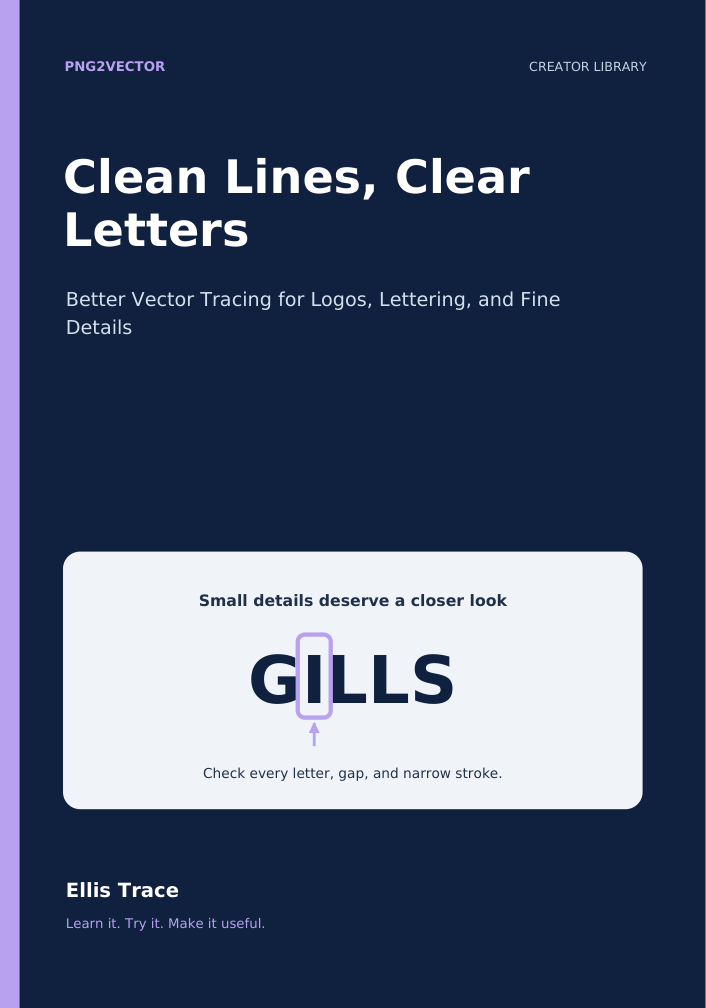
Clean Lines, Clear Letters
Better Vector Tracing for Logos, Lettering, and Fine Details
Learn to spot rough edges, check small lettering, and make thoughtful tracing decisions.
36 pages · Complete PDF + online edition · English
- Diagnose common tracing problems
- Compare ordinary tracing and Text Mode
- Inspect lettering, edges, and small details
$15 One-time purchase
PDF download + online reading. No membership required.
Read a free sample →Or get the original five books for $49 in the Creator Library.
Inside the book
- 1. Start With the Detail That Matters
- 2. Learn the Shapes Hiding Inside the Words
- 3. Improve the Evidence Before the Trace
- 4. Compare Text Mode Without Guessing
- 5. Diagnose the Defect Before You Repair It
- 6. Rebuild Lettering When That Is the Better Tool
- 7. Smooth Curves Without Erasing Character
- 8. Finish the Gills & Gardens Practice Label
- 9. Optional Project: Review a Paid SVG Export
- 10. Build a Small Quality System You Will Actually Use
A skill you can put to use.
Clear explanations, worked examples, practical checks, and exercises help you move from understanding a concept to making a thoughtful decision on your own project.
Learn at your own pace.
Read on PNG2Vector or keep the PDF on your device. Return to the exercises as your work grows. Optional tool projects are clearly identified. The current companion notes below help you choose a useful next step on the website.
A useful next step for your project.
Use the lettering practice file to compare tracing settings. If you also need a raster copy, render the checked SVG rather than stretching a small screenshot.
PNG2Vector with Text Mode. Trace a PNG into a full color SVG and inspect the result beside the source. Try Text Mode for small lettering, then check every important letter, gap, and fine stroke.
Free SVG-to-PNG Converter. Make PNG copies from a checked SVG, individually or from a batch or folder. A free account and newsletter signup unlock watermark free downloads.